Electrical cabinet quotation template (Excel)
Excel quotation template with built-in formulas for line amounts, subtotal, VAT at 0% / 8% / 10% and total payment. Free download.
 New: 3 plans: Basic · Professional · Complete — use more tools as your project grows
OctaX.one prepares quotations, writes solution documents, builds 3D models, runs payroll and creates MiniApps — in your language, following your company's own templates.
See the real workspace ↓ · 14-day free trial · 50 credits · sign in with Google · no card needed
Trusted by engineering teams, factories and design offices
Demo real customer logos will be placed here once customers agree to be named publicly
Start with quotations, move to design when the project needs drawings, then on to operations software. Each tier keeps everything from the tier below and shares the same account, data and credit pool.
Q&A, learning, quotations, technical documents, solution proposals, contract review, reminders, basic DIY.
Add one industry pack: PCB design, IoT – embedded programming, mechanical part design, graphics; architecture – interior and machine vision coming soon.
All industry packs, the App Builder, and ready-made apps from the OctaX Marketplace that you can install and keep customizing.
Recorded directly from the screen; the data in the video is sample data. Subtitles are available in several languages via the CC button.
Try AI, the Template Library, 3D models, pricing and VietQR payment — screen-recorded with sample data.
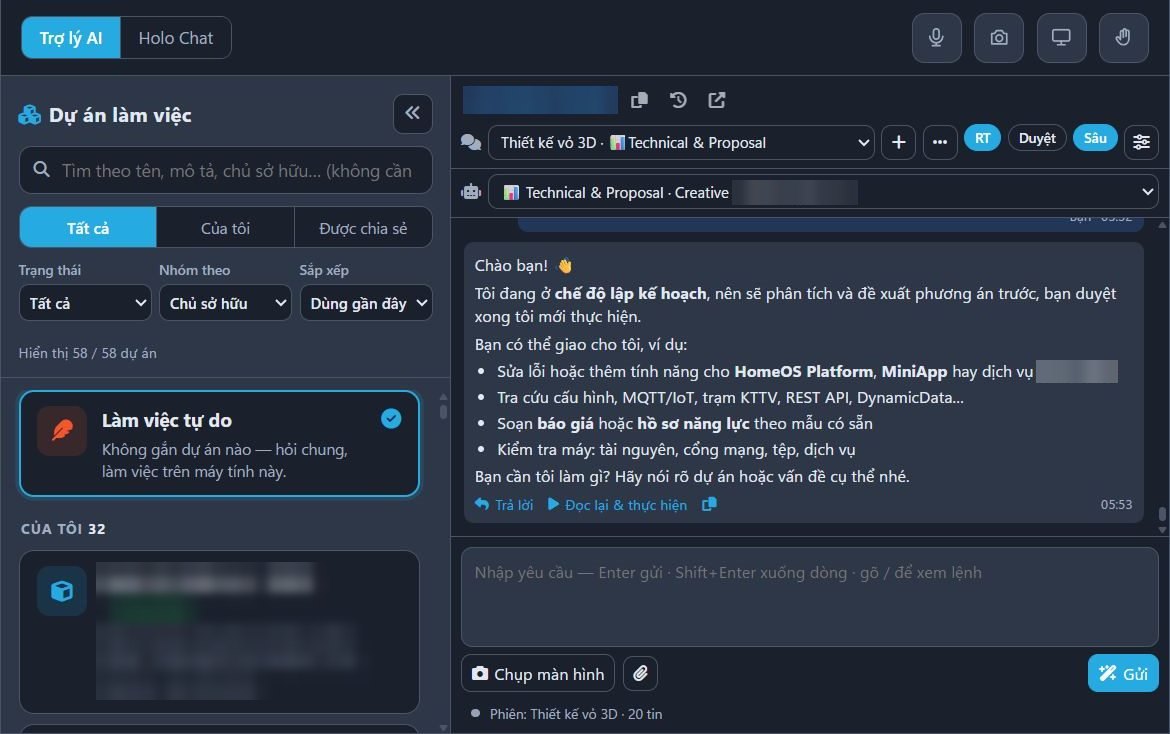
Pick a project, assign tasks in plain words and get a quotation right in the chat window — sample data.
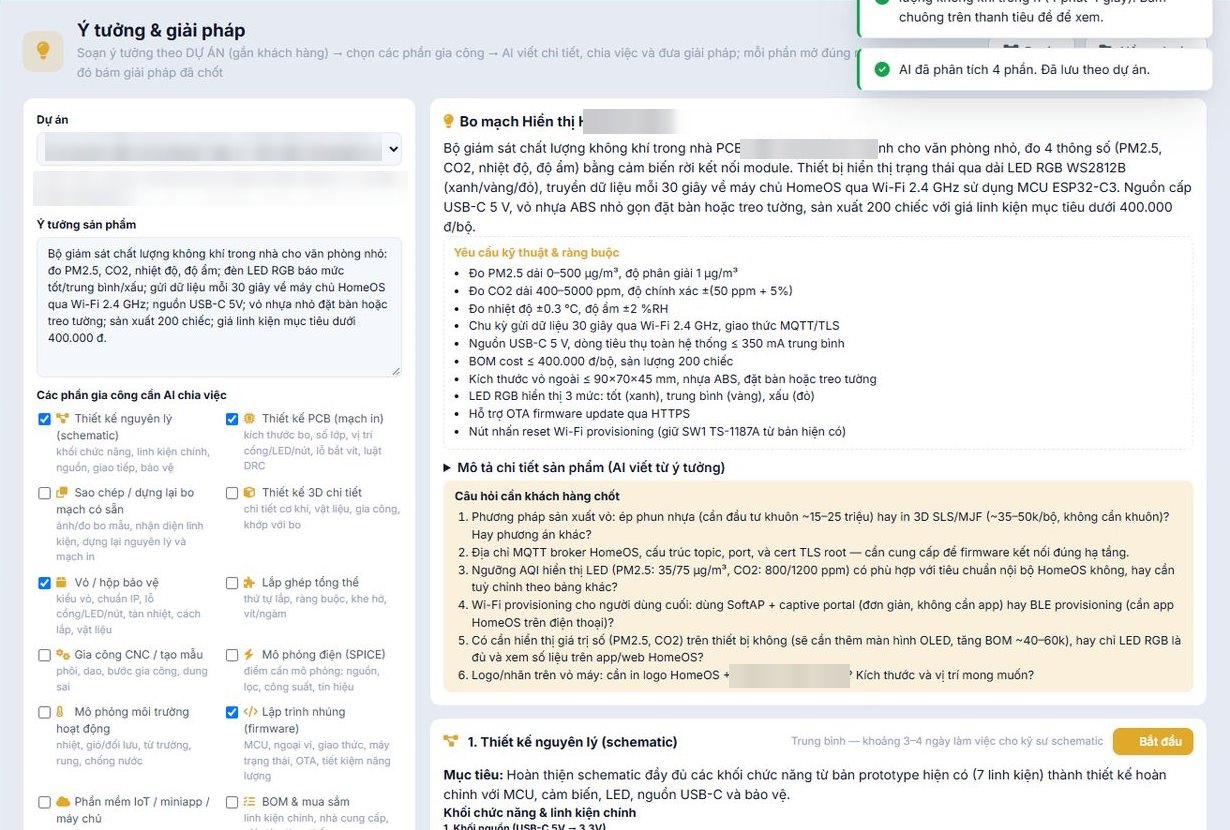
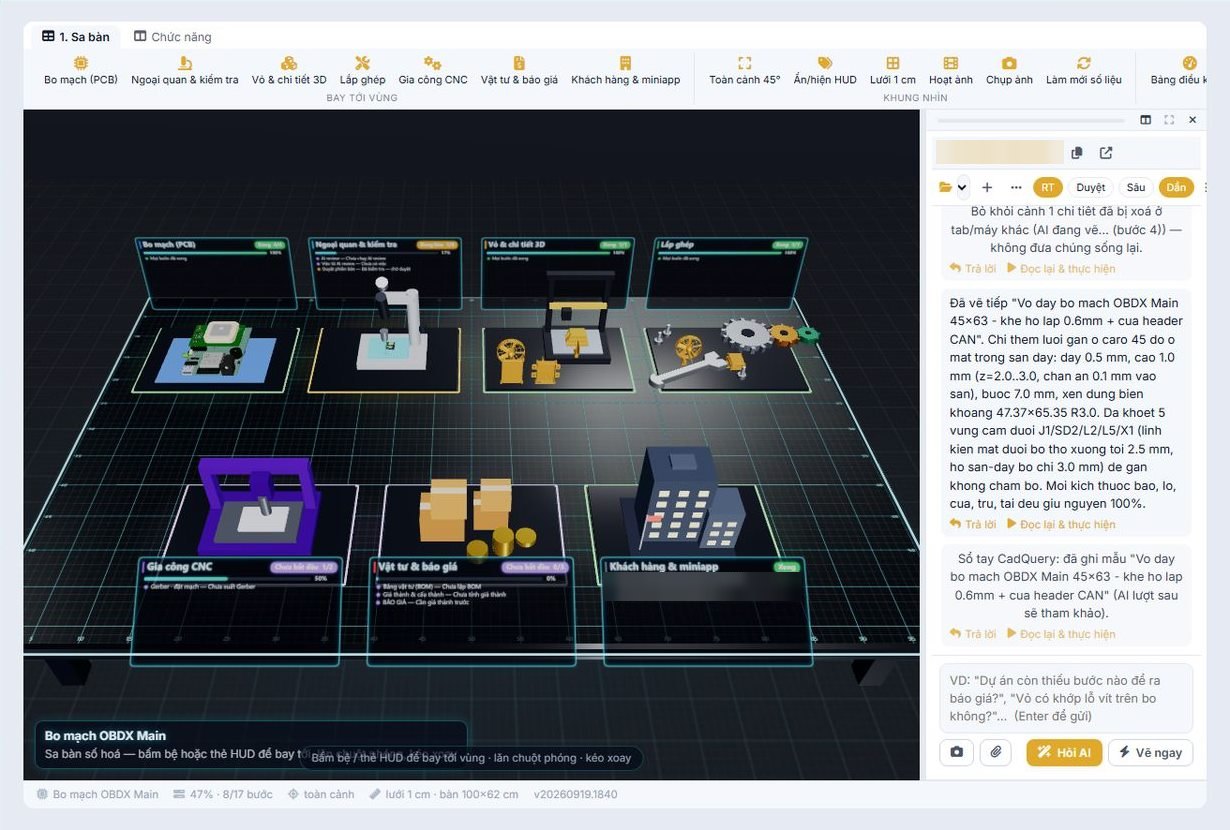
Screenshots from the OctaX platform running live on engineering and HR projects; customer names, session IDs and personal data are masked. Click an image to view it full size.
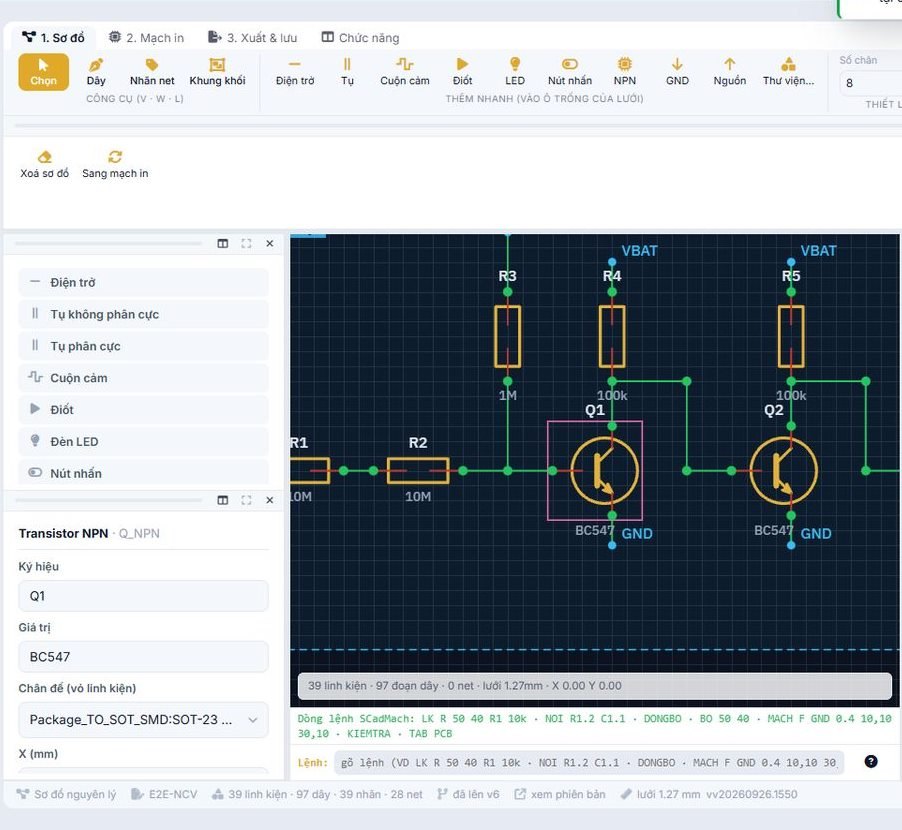
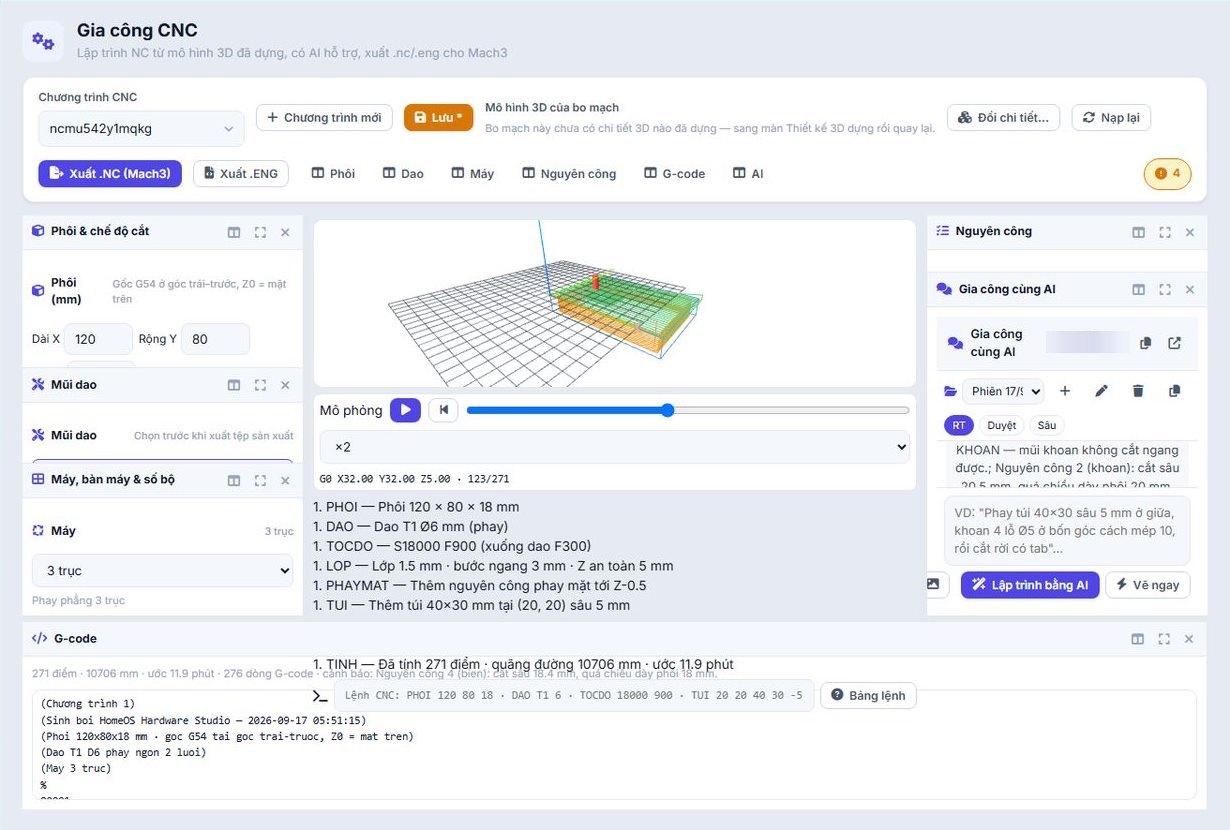
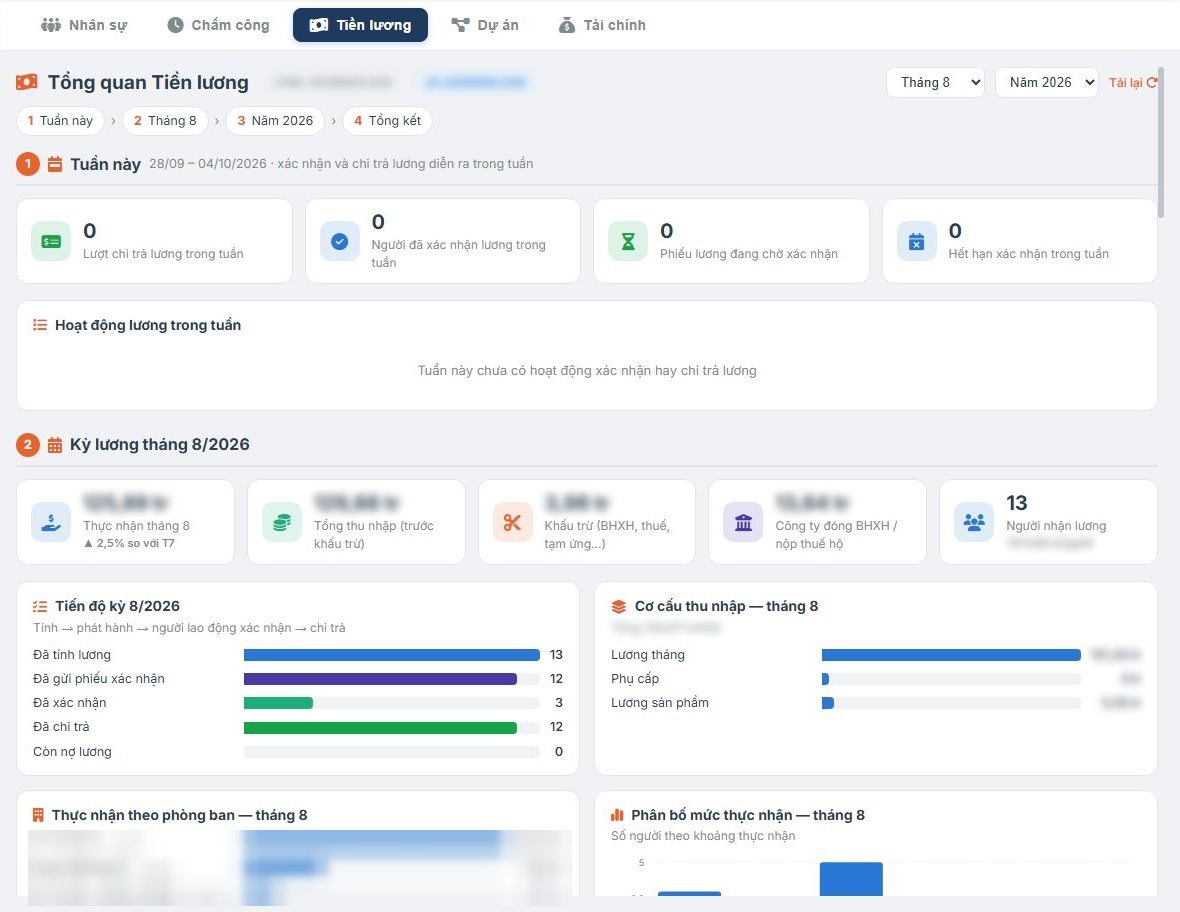
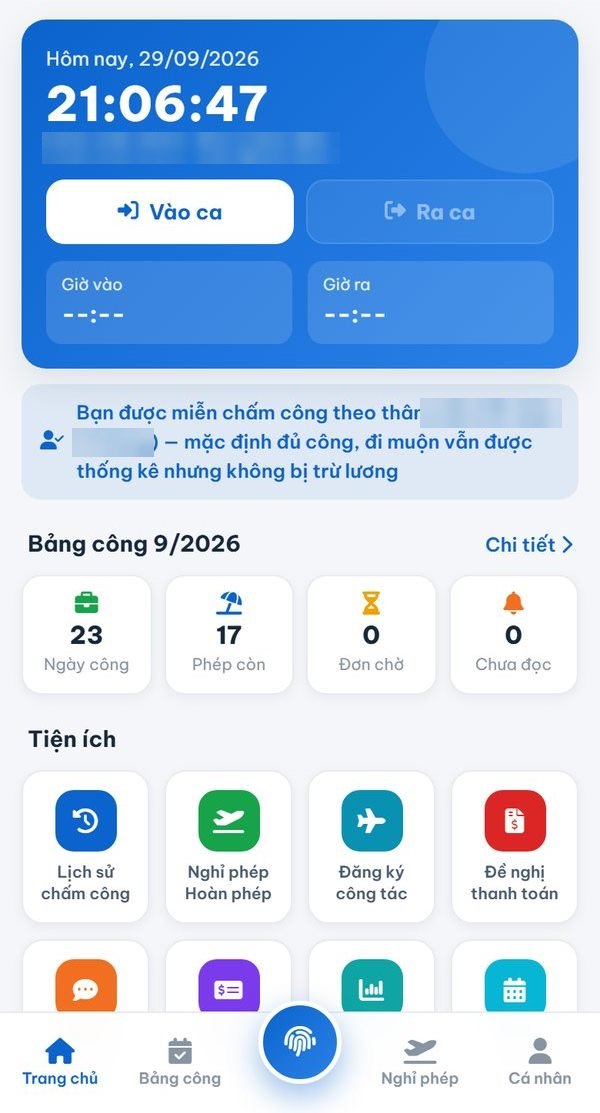
Organized by each plan's fields: office, PCB, IoT, mechanical, graphics, software — created by OctaX, free for commercial use too.
Excel quotation template with built-in formulas for line amounts, subtotal, VAT at 0% / 8% / 10% and total payment. Free download.
Excel calculator for PCB trace width by current, temperature rise, copper thickness, external or internal layer per IPC-2221. Includes a quick lookup table, free.
Build your own temperature and humidity station with ESP32 and DHT22 and view readings on your phone over WiFi. Step-by-step guide, free source code.
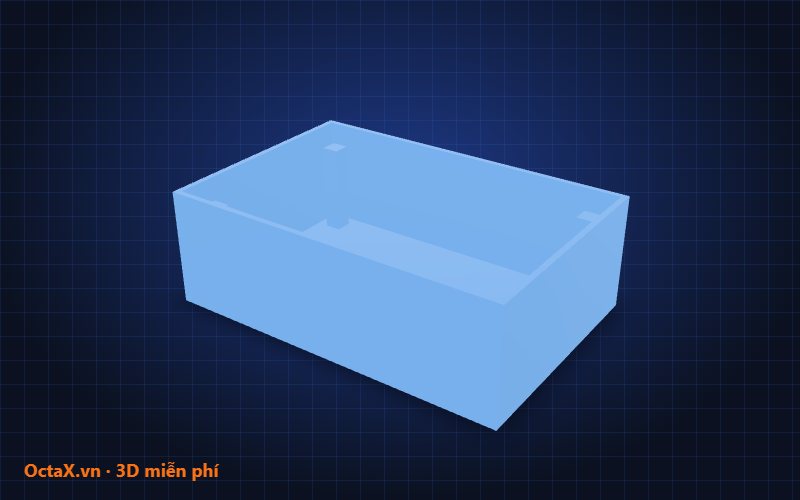
3D model of a 120×80×40 mm control enclosure, 2 mm walls, 4 screw bosses. Download STL for 3D printing, GLB for web viewing. Free.

Free blue–orange aurora wallpapers in 1920×1080 and 3840×2160 for desktops, meeting room screens and presentation slides.
Material inventory MiniApp template: item catalog, QR-scan goods in/out, stock levels, below-minimum alerts. Import into OctaX to use right away.
Try the AI assistant without signing in, rotate 3D models, preview sample websites in a phone frame, change the animated background.
Invoice VAT calculator, cable size selection, unit conversion, credit estimation, view your 3D files — right in your browser.
OctaX Assistant for Windows, mobile employee portal, App Builder, 3D/CAD industry packs.
Image alongside: a 2-story sample house built with commands and AI (click to enlarge). Each model comes with STEP/STL files, drawings and a bill of materials. Tasks over 10 credits always show the estimated credit cost upfront.
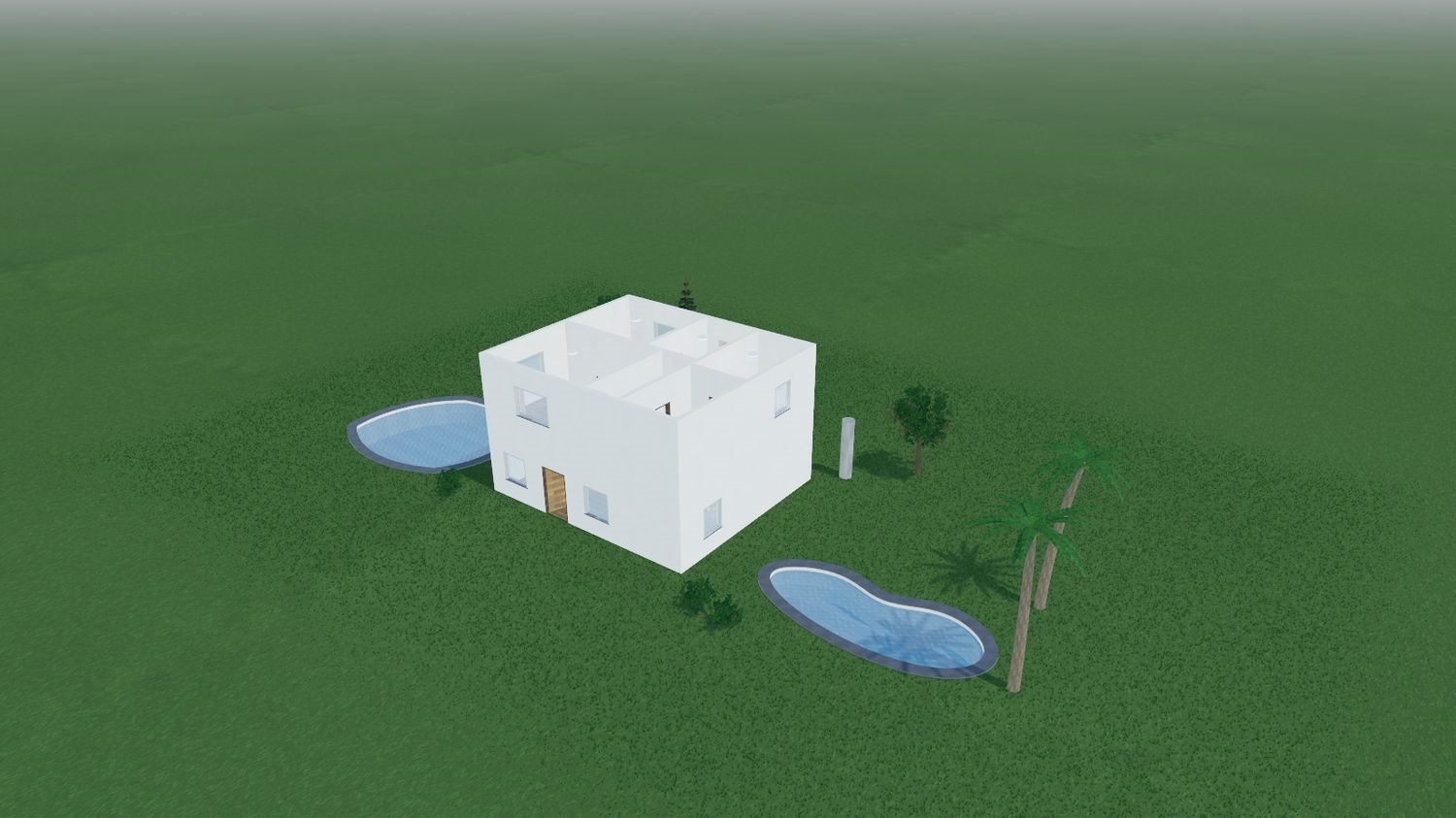 2-story sample house built with commands and AI: landscaping, swimming pool, sunlight by time of day.
Prices exclude VAT. Annual billing: pay for 10 months, use for 12 months.
1 credit ≈ 1 standard Q&A request. Heavy tasks (advanced AI, long documents, 3D modeling) use more credits. When credits run out, only new AI requests stop; data, MiniApps and non-AI features keep running until the end of the period. See the Credit Policy.
Not yet. Software services are not subject to VAT; hosting services are subject to VAT. Each is shown on a separate invoice line.
No. Activated plans and purchased credits are non-refundable, including the unused portion of annual plans. Please try it free for 14 days before buying.
Each business has its own database, separate from other customers. The Enterprise plan can be hosted on a dedicated server.
Available now: PCB design, IoT – Embedded programming, Mechanical part design, Graphics – Marketing. Coming soon: Architecture – Interior – Exterior, Machine vision. The Professional plan includes 1 pack of your choice, with extra packs billed per user; the Complete plan includes all packs.
Yes, with the Complete and Business plans. Finished apps are deployed to your on-premise server and run on your LAN without Internet; data stays entirely within your company. The AI assistant and App Builder still need Internet, so to modify an app, work on OctaX and then update the offline version.
No. On the Complete plan, employees who only use apps (timekeeping, viewing payslips, booking meeting rooms) are not counted as paid users. Only users of the AI assistant and tools are billed.
Scan a VietQR code (auto-activated when the bank confirms receipt), e-wallets, bank transfer under contract, or enter a top-up card code.